Restaurant Loyalty Without a Mobile App: Turn Regulars Into Wallet Pass Holders
Restaurants lose regulars to convenience, not flavor. Learn how wallet passes and QR check-ins turn repeat diners into loyal pass holders—no app required.
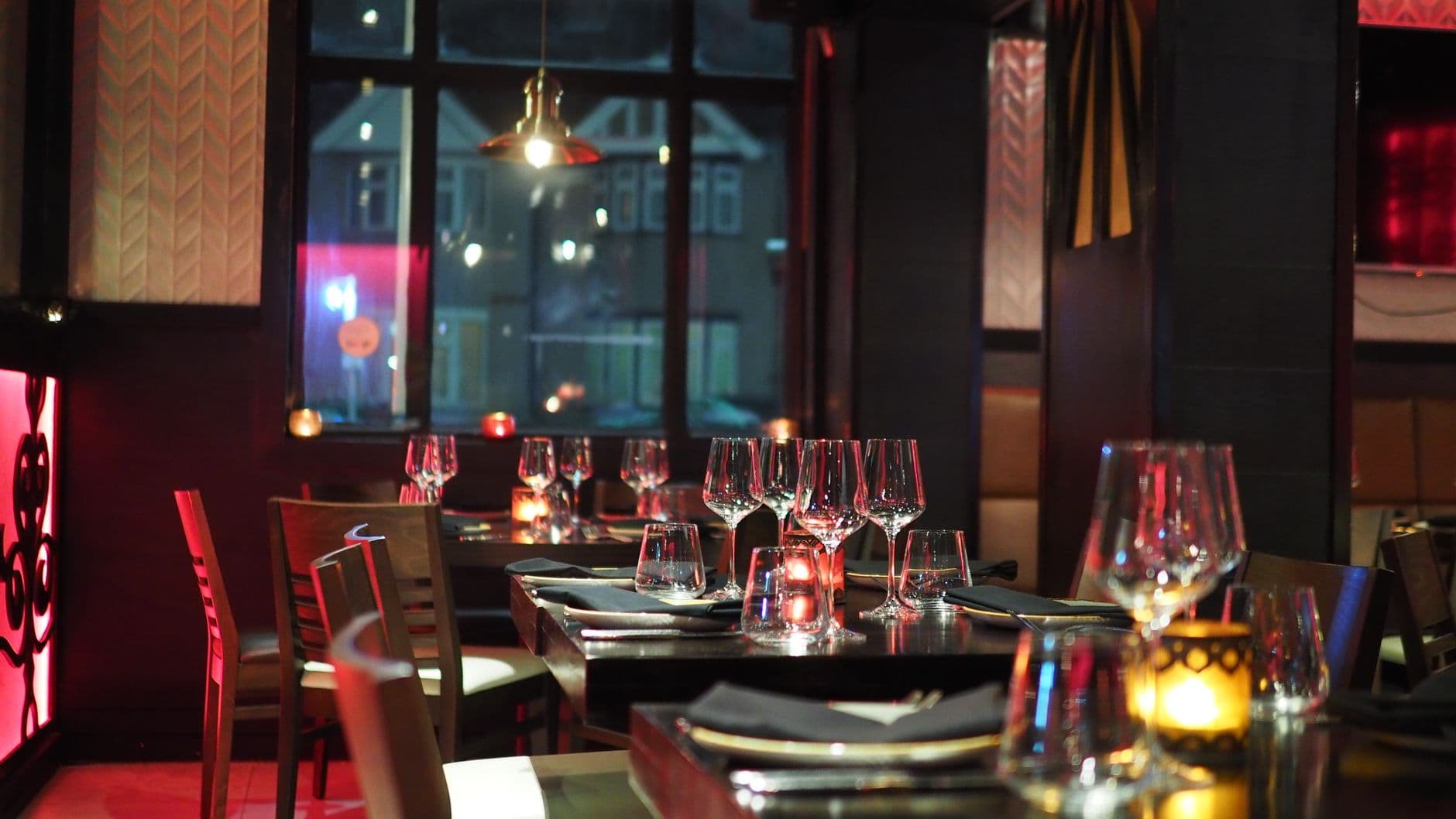
Why restaurants struggle with app-based loyalty
Your best customers already have a favorite order, a preferred server, and a rhythm of weekly visits. What they do not want is another icon competing for space next to their banking app and ride-share tools. When loyalty lives inside a standalone mobile app, you ask diners to download, register, and remember to open it—usually right when they are hungry, paying, or walking out the door.
Wallet-based loyalty removes that wall. Diners add a branded pass to Apple Wallet or Google Wallet in seconds, see their balance or next reward on the lock screen, and check in with a quick QR code scan at the host stand or register. No app store, no password reset, no "did I earn points on that?" confusion after the meal.
Easy Loyalty is built for this flow: scan, add pass, earn, redeem—no consumer app install required.
What wallet loyalty looks like at a restaurant
A modern restaurant program usually combines four pieces:
- A branded wallet pass showing your logo, visit count or cashback balance, and the next reward ("Free appetizer after 5 visits").
- QR check-in at the door or POS so visits log without typing phone numbers while the line builds.
- Simple reward rules staff can explain in one sentence—cashback or punch-card style beats a 40-tier points table.
- Wallet notifications for birthday offers or slow-night promos, without another email list customers ignore.
Where to place your QR codes
| Location | Why it works | Best for |
|---|---|---|
| Host stand tent card | Caught while waiting; natural "join while you wait" moment | Full-service dining |
| Table sticker or menu insert | Diners have time to scan during the meal | Brunch spots, casual dining |
| Receipt footer + takeout bag | Captures delivery and pickup regulars | Fast casual, ghost kitchen add-ons |
| Reservation confirmation email | Pre-arrival signup before the rush | Date-night and event bookings |
Wallet passes vs. restaurant loyalty apps
| Factor | Wallet pass | Standalone loyalty app |
|---|---|---|
| Time to join | Seconds from QR or link at the table | App store download + signup + verify |
| Visibility between visits | Pass sits in wallet stack; balance on lock screen | Hidden until customer reopens app |
| Best fit | Independent restaurants and small groups | Large chains with dedicated mobile teams |
Reward models that work for repeat diners
Cashback on every check
"5% back on every visit" is instantly understood. Diners see balance grow on the pass; redemption at dessert or the next lunch feels tangible. Great for high-frequency lunch spots and neighborhood bistros.
Visit-based punch cards
"Buy 9 entrees, get the 10th free" maps cleanly to wallet pass progress bars. Staff do not need to stamp paper cards, and regulars stop losing them in coat pockets.
Tiered regulars (without complexity)
A light tier—Regular, VIP, Founder's Table—unlocked after 10 or 20 visits gives status without a spreadsheet of rules. Wallet passes can show tier on the pass face.
How to launch in a week
- Pick one reward rule every server and host can say in ten seconds.
- Print QR at three touchpoints: host stand, table, and receipt—before you redesign the whole menu.
- Reward the second visit, not only the twentieth. Early wins build the habit.
- Track weekly: new passes, repeat rate, and which shift promotes best.
- Train with one script: "Want to save this visit? Scan here—takes five seconds, no app."
Ready to ship? Start your free trial and publish a branded wallet program without waiting on app store reviews.
Frequently asked questions
Do diners need to download an app?
No. They add your digital loyalty card to Apple Wallet or Google Wallet from a QR code or link. Your restaurant uses Easy Loyalty behind the scenes; diners only see your brand on the pass.
Can wallet loyalty work for takeout and delivery?
Yes. Put the QR on receipts, bag stickers, and order-confirmation emails. Pickup regulars and third-party delivery customers can still join and earn when they collect in person.
What if my guests use both iPhone and Android?
Offer both Apple Wallet and Google Wallet paths from the same QR or landing page. The device routes to the correct pass automatically.
Is a digital pass secure at a busy restaurant?
Passes are issued per customer and updated securely. Pair wallet check-in with your normal POS flow—just as you would verify a physical punch card or member ID.
Where can I read more restaurant loyalty ideas?
Browse guides and playbooks on the Easy Loyalty blog for vertical-specific tactics and launch checklists.
🍽️ Takeaway: Regulars do not need another app—they need a reason to come back and a pass they actually carry. Wallet loyalty puts your restaurant on the lock screen between visits.